There's a conversation happening about AI in business, and most of it is happening at the wrong level. People talk about prompt libraries, model selection, agent frameworks, RAG pipelines, vector databases, and which chatbot has the best reasoning. All of that is downstream of a much less exciting question: can an AI agent actually control the systems you use to run your business?
Most of the time, the answer is no. Not because the AI isn't smart enough, but because the systems aren't agent-friendly. They were designed to be clicked on by humans, not called by software. We call this the 'CLI-readiness gap', and closing it is the unsexy prerequisite for making AI actually useful.
What does CLI-ready mean?
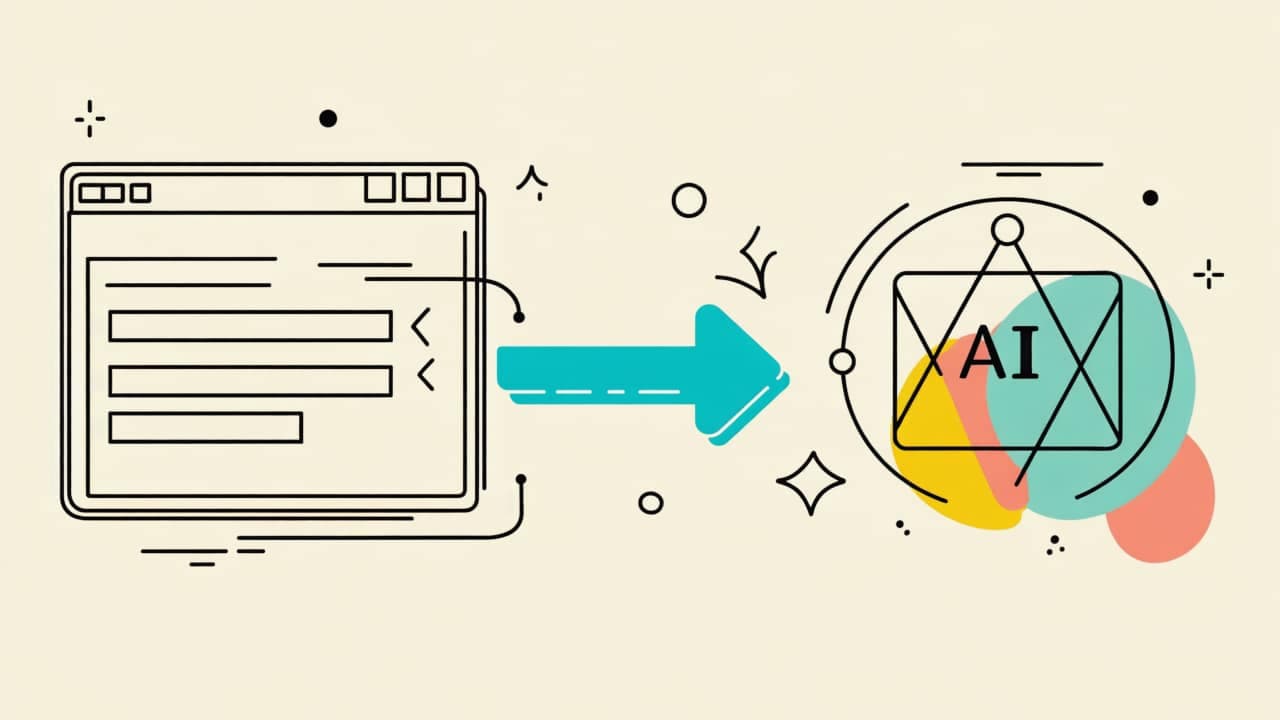
A CLI-ready system is one that can be driven by a structured command interface instead of a mouse and keyboard. It doesn't literally need a command-line tool (though that's the easiest case). It needs some way to express 'do X with parameters Y' as a call that an agent can make programmatically. A modern REST API is CLI-ready. A well-documented SDK is CLI-ready. A scriptable data export is CLI-ready. A Salesforce org with SOQL access is CLI-ready.
A system where the only way to, say, update a customer record is to log into the web UI, click through five screens, and submit a form — that system is not CLI-ready. And no amount of prompt engineering will fix it.
Why this matters more than your prompt library
Here's the uncomfortable truth: if your systems are CLI-ready, then even a mediocre AI agent can drive them usefully. If your systems are not CLI-ready, then even the best AI agent in the world is reduced to telling a human what to click. The ceiling on what AI can do for your business is set by the CLI-readiness of your operational stack, not by the intelligence of the model.
This is why 'where do I start with AI?' has a different answer for every business. For some companies, the answer is 'plug Claude into your existing APIs, you're already 80% of the way there'. For others, the honest answer is 'your CRM and your ERP both need a thin command layer in front of them before AI can touch them, and that's where we should start'.
Making legacy systems CLI-ready
The good news: almost every business system built in the last 20 years can be made CLI-ready with a modest engineering effort. The strategies, in rough order of effort: use the system's existing API if it has one, build a thin wrapper around the system's data export/import mechanism, script against the system's database if it's accessible and safe, or as a last resort, use browser automation to drive the UI programmatically.
The last option is the slowest and most fragile, but it's surprisingly common as a first step. It gets the job done while buying time to do it properly. We've shipped browser-automation-based integrations that ran reliably for a year while the client negotiated a real API with their vendor.
What this looks like in practice
A typical CLI-readiness engagement with Truwitz looks like this. Week 1: We audit your stack and identify the systems you want AI to touch. For each one, we classify it as 'already CLI-ready', 'needs a wrapper', or 'needs an interim automation layer'. Week 2-3: We build the wrapper or automation layer for whichever system has the highest ROI. Week 4: We connect it to your AI tooling (usually via MCP) and validate with real workflows. Weeks 5+: Iterate on the next system, now that you have a template.
This is not glamorous work. It's the kind of thing that would never show up in a LinkedIn thought-leadership post. But it's the thing that determines whether your AI investment actually produces results or just generates a lot of screenshots of Claude being clever. If you want to stop talking about AI strategy and start shipping AI automation, CLI-readiness is the place to start — and it's what we help small and mid-size businesses figure out.

 Mar 17, 2026
 Truwitz Team Custom AI & MCP